
The Perfect Keyboard Replacement?
Ever since I began my career as a freelance designer, the most valuable skill I focused on was learning keyboard shortcuts. These keyboard combinations slashed time and developed muscle memory that enhanced my design experience and helped create a reliably painless work routine. More than 20 years later, the keyboard shortcut technique has some formable competition.
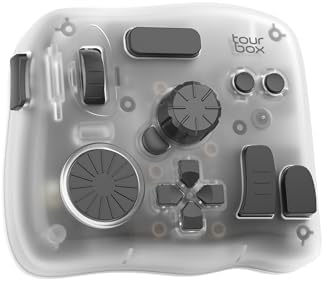
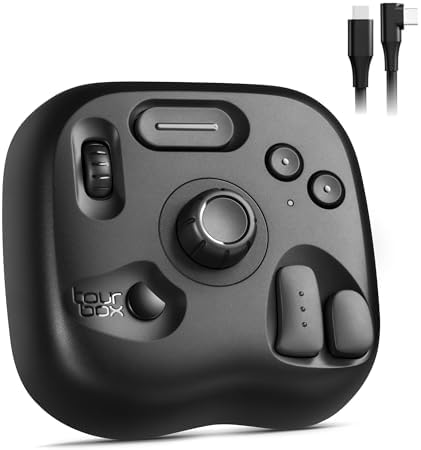
Needless to say, this is a game changer for Procreate users! Yeah, great if you have an iPad. What about other artists who’ve downloaded artistic apps from Google Play? Great news for them too! The Elite Plus has recently added (at the time of uploading this article) compatibility with Android OS. Best thing about it? The console’s buttons and dials can now do the heavy lifting to change brush sizes, rotate the canvas and resize shapes, leaving the more complex selections for the Apple Pencil (or S Pen) to manipulate.
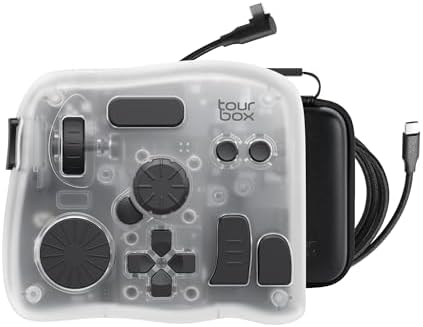
- SMART. CONTROL. ALL-IN-ONE. — Why relearn shortcuts for every software? TourBox Elite Plus redefines what a true creator…
- Creative Workflow, Redefined — Backed by 7 years of industry expertise, TourBox has redefined workflows for Digital Pain…
- Powerful Hardware + Software — Elite Plus is equipped with TourBox’s latest hardware and software solutions, offering “F…
TourBox Isn’t For Desktops and Laptops Anymore
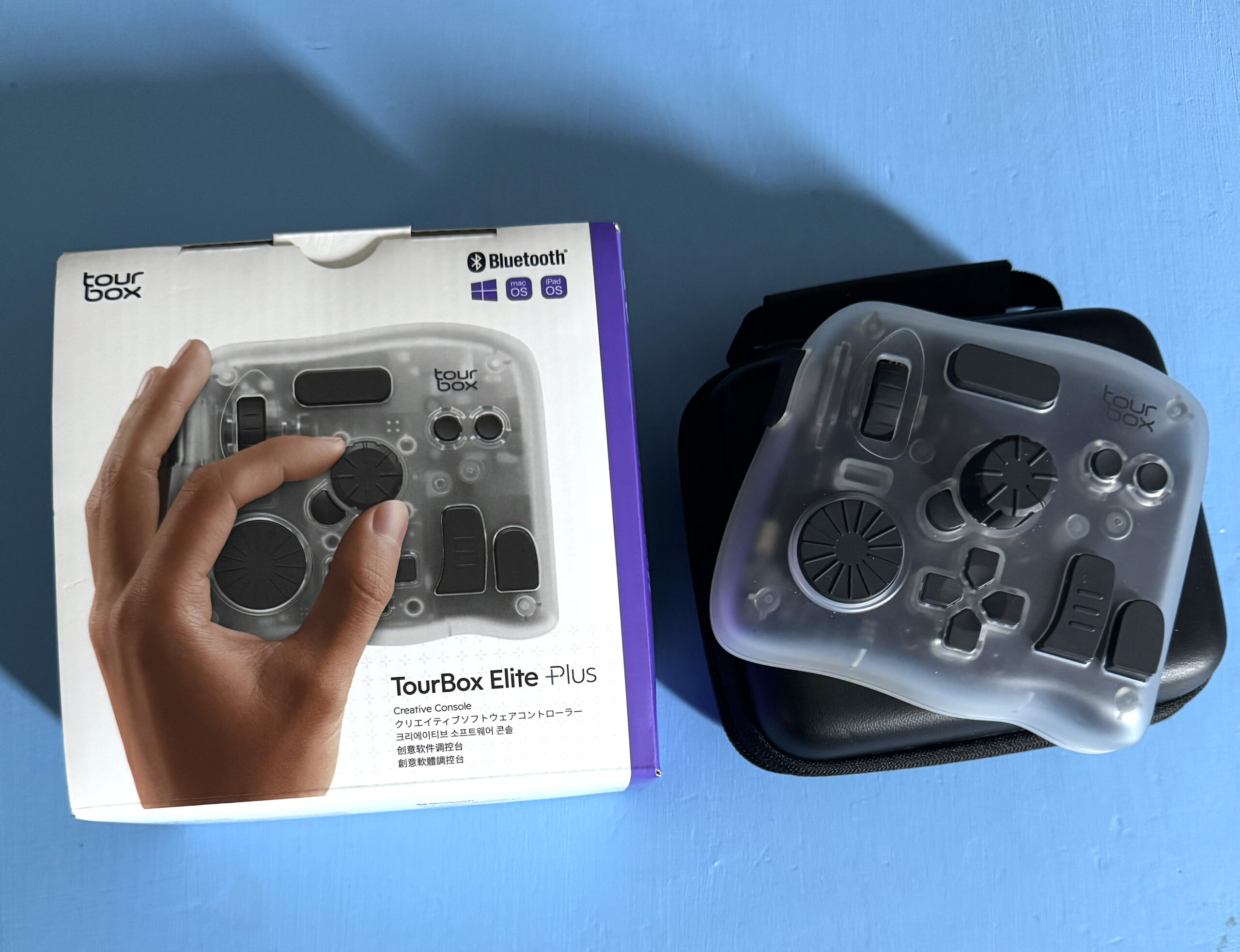
Since 2023, I used my TourBox Elite with Photoshop and Illustrator projects with little to no complaints. I didn’t think I’d need to buy another keyboard shortcut related product, until TourBox ushered in its fourth device in 4 years – the Elite Plus. Why on earth would I consider wasting another $297 dollars for something I already have? Simple. The Elite Plus works with my iPad. Yup, that’s pretty much it. This creative console is not just for desktop and laptops anymore. I can carry it and my tablet into my local coffee shop, library, or any other place that gives others permission to properly identify me as a creative professional.
Ever since I began my career as a freelance designer, the most valuable skill I focused on was learning keyboard shortcuts. These keyboard combinations slashed time and developed muscle memory that enhanced my design experience and helped create a reliably painless work routine. More than 20 years later, the keyboard shortcut technique has some formable competition.
One Console, Two Apps
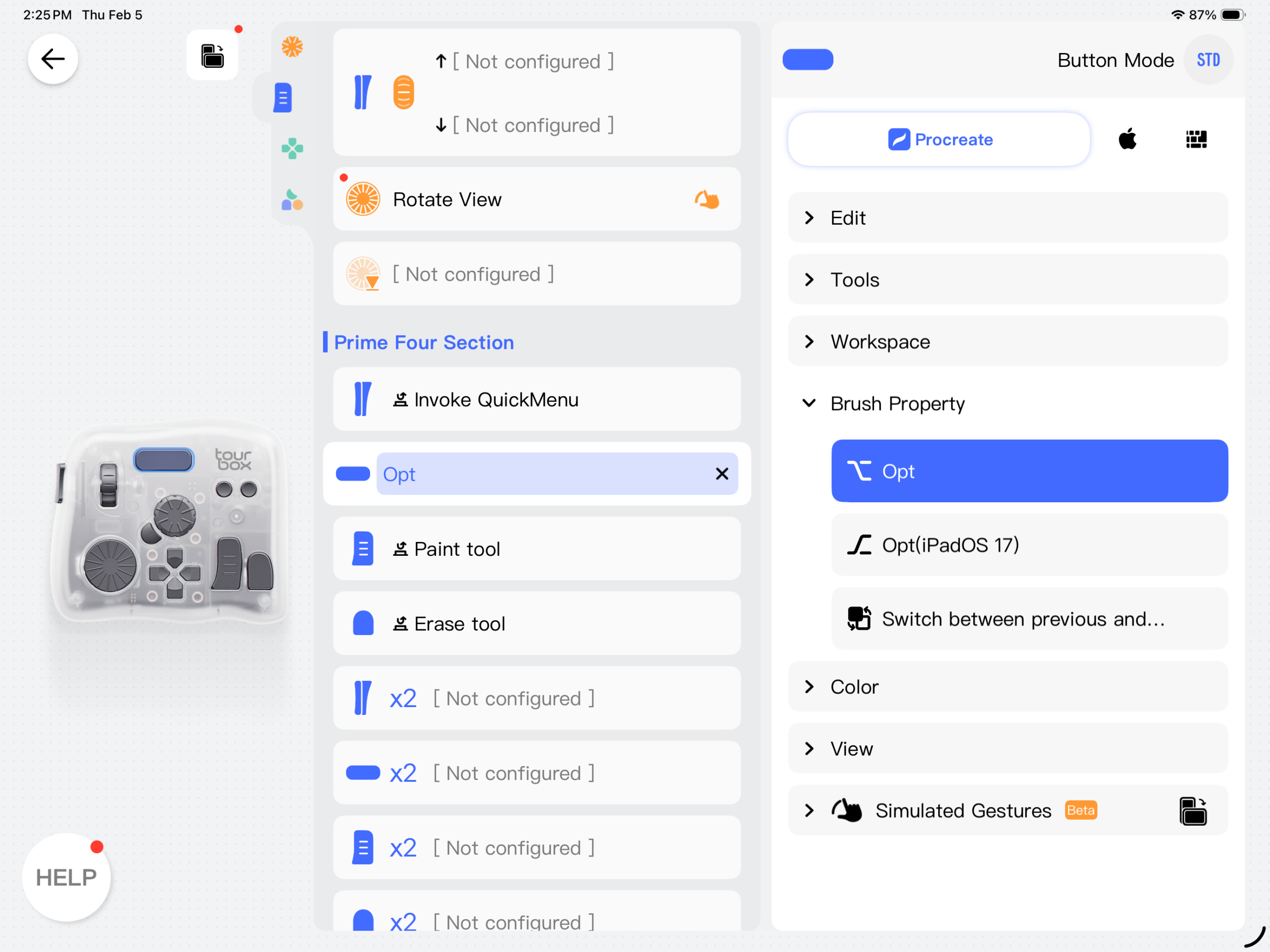
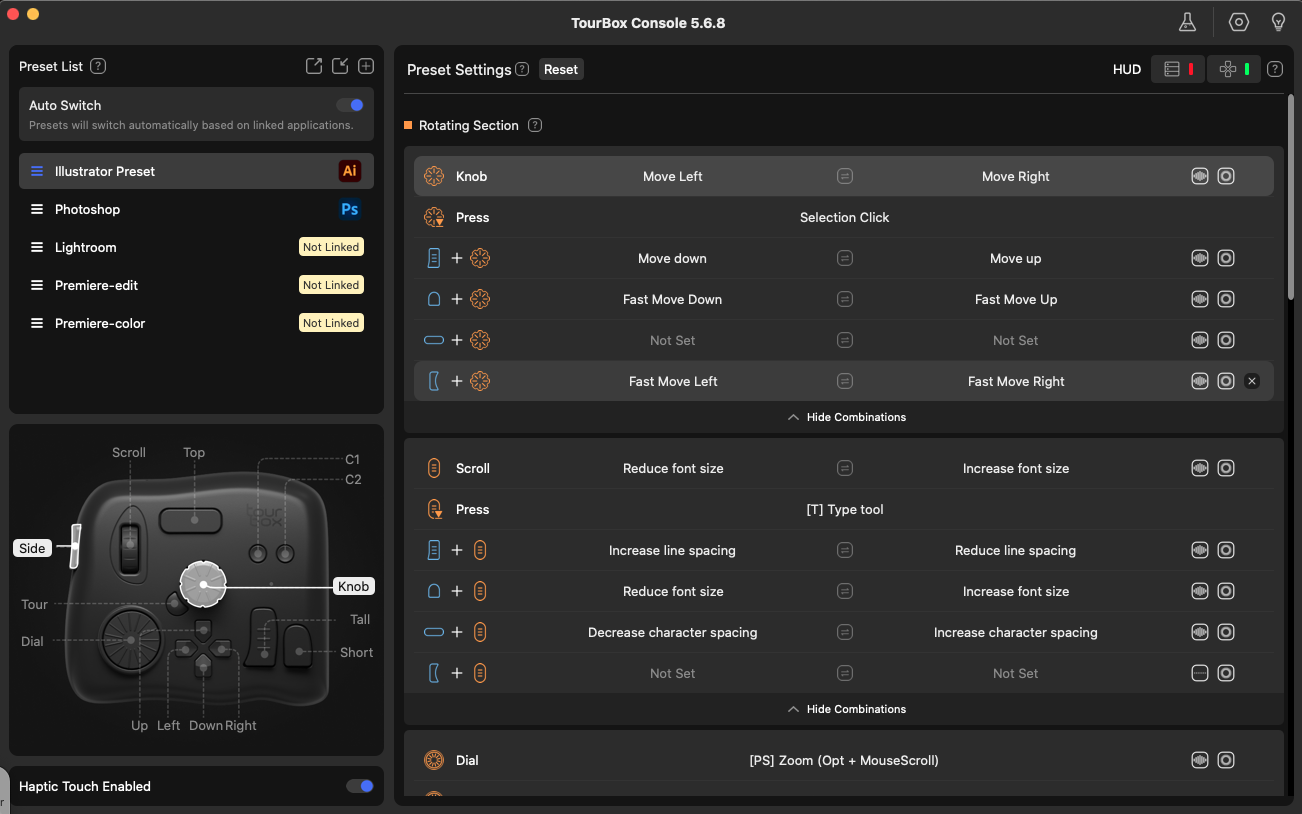
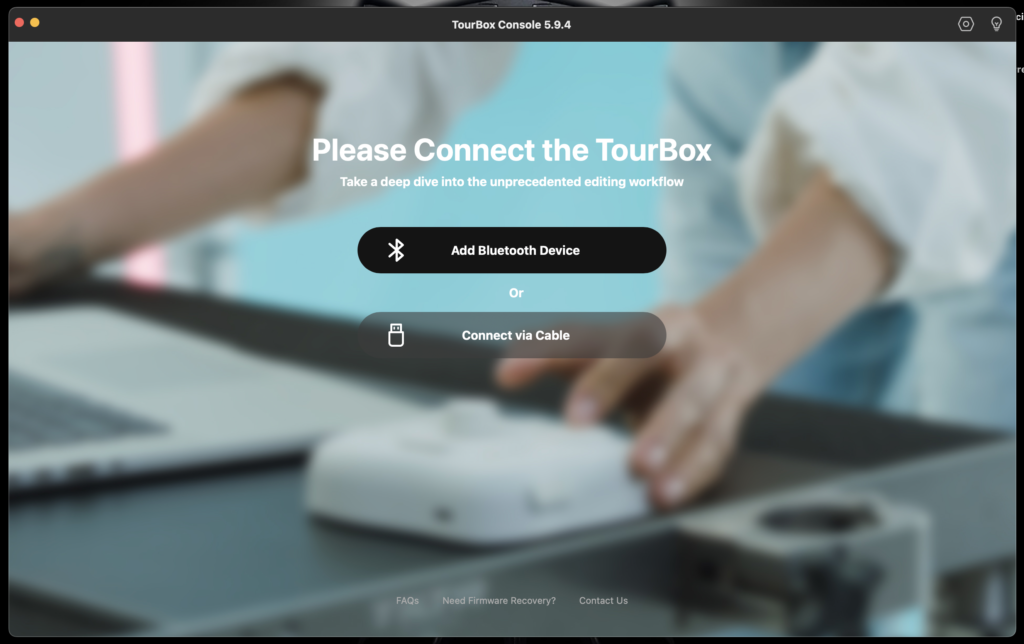
If you have used a TourBox device, installing the driver for your desktop and/or laptop is no different for the Elite Plus. The dedicated console menu will be ready to assist you whether you use the USB cable or the Bluetooth wireless option. Things change once you start to pair the Elite Plus to the tablet. Bluetooth is the only way the TourBox will work with any tablet. Also, keep in mind, when you initially search for the TourBox tablet app, be sure to type in “tourbox console”. I first typed “tourbox app” and “tourbox elite plus”, nothing showed up (in the iPad app store). I later learned to type in: “tourbox console”. The app popped up on my tablet screen.
Once I’ve downloaded the app, the setup is simple enough. In fact, the tablet version is simpler than the desktop version. Although the Elite Plus has dual-channel Bluetooth, meaning it can instantly switch from desktop to tablet and vice-versa, the tablet app only works with tablet apps and the desktop driver only works with desktop apps. It sounds obvious, but I wanted to include this info anyway. Having used both desktop and tablet apps, they both run smoothly. I have no problem with reaction time and ease of use.
And Now… The Downsides
There are some potential downsides that need to be addressed. First, the need for the Elite Plus in general. I’ve seen several videos bringing up the issue for TourBox making another device. Couldn’t the existing TourBox Elite add software and/or hardware upgrades that will expand the console’s connectivity to an iPad or Samsung Galaxy? The company really couldn’t find any other way to prevent its existing users to spend more money?
I find this criticism valid. The Elite ($268) and the Elite Pro ($297) aren’t cheap. However, Tourbox has claimed an additional device is needed to work natively with iOS and Android OS.
Check out this r/tourbox post if you’re interested in reading this issue in more detail:
https://www.reddit.com/r/tourbox/comments/1fqrd55/why_is_no_one_holding_tourbox_accountable_for/
Whether that’s a satisfactory explanation for having the Elite Plus as a separate device depends on the individual. For me, I’m continuing to use the TourBox Elite for my older Intel based MacBook Pro, while using TourBox Elite Plus with the M2 MacBook Pro and M4 iPad Pro.
Another concern is the time it takes to become familiar with using the TourBox. Make no mistake, this is a great device. Yet, with any innovative product, it takes time to get to use it on a daily basis.
I’ve found myself playing around with the program specific presets. The one I created from scratch is my Illustrator preset. That being said (or written), I had to spread extra time to using the TourBox daily until I developed enough muscle memory where all I had to do was touch the buttons and I’d instantly remember the shortcuts each button represented. I’m running into the same muscle memory routine using the Elite Plus with Procreate and Affinity Photo’s and Designer’s shortcut combinations. In other words, you need to be patient and adapt to this new shortcut combination system. Once you have, you’ll more than likely will love the time saving and superior ease the TourBox Elite Plus will provide as you work on your design or illustrative projects.
My Final Recommendations
For digital designers and artists who are new to TourBox or heavily use tablets (iPad, Samsung Galaxy, etc) to use Procreate, the Affinity apps, or loves to edit video on a tablet, the Elite Plus is a great purchase to speed up your overall productivity.
For creatives who already have the TourBox Elite or create a vast amount of projects with Photoshop, Illustrator, DaVinci Resolve or Blender, save your money.
For creatives who either have TourBox Neo ($169) or Lite ($89.99) and want to use it wirelessly and use your favorite tablet apps, getting the Elite Plus is well worth the upgrade.